If your Shopify analytics stopped working, the issue usually comes from
GA4 configuration, Google Tag Manager setup, or theme changes.
The guides below explain the most common tracking problems and how they
can be diagnosed.
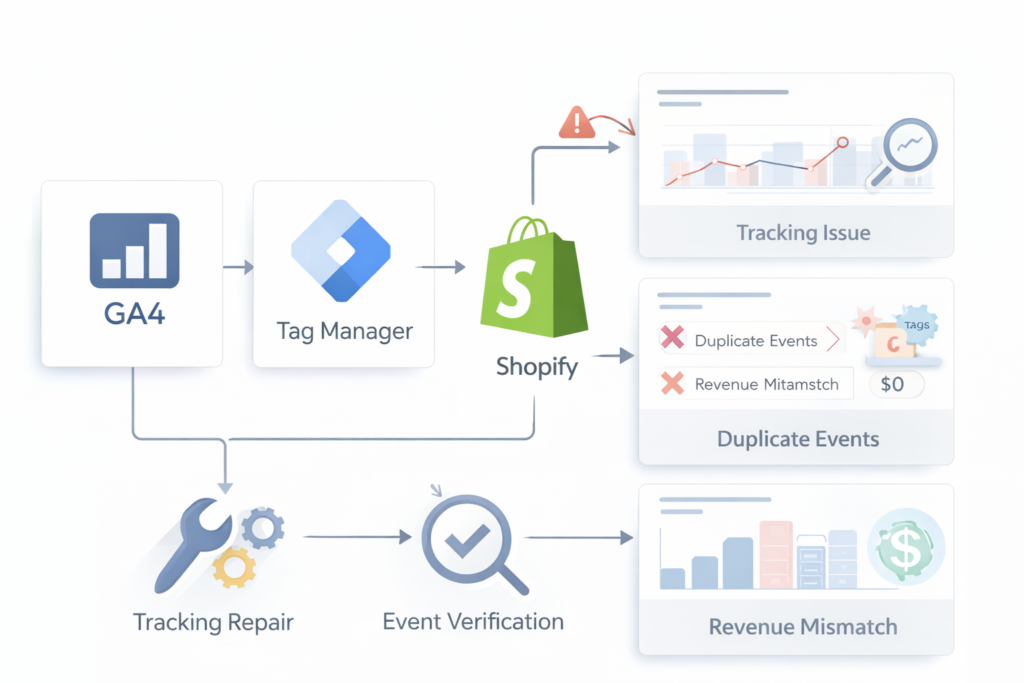
Common causes of Shopify tracking failures
Most analytics issues originate from a few configuration problems:
• Duplicate GA4 installations
• Google Tag Manager containers not firing correctly
• Missing purchase events
• Theme updates breaking event triggers
• App conflicts affecting scripts
Not sure where the break is?
Start with the most common problems below.
GA4 Events Not Firing
Events or conversions not appearing in GA4 reports. This usually occurs when GTM triggers fail or tags are blocked.
GTM Not Firing Tags
Tags failing to trigger due to container configuration or missing triggers.
Conversion Not Recording
Purchase or revenue events missing from analytics reports.
GA4 Stopped Working (What Broke and How to Fix It)
Analytics suddenly stops updating after a theme change, plugin install, or migration.
GA4 DebugView Not Working
Debug mode not detecting events during testing.
Still unsure where the issue is?
Many Shopify analytics problems come from small configuration mistakes in GA4 or Google Tag Manager.
A structured diagnostic can quickly identify the source.
If the issue is difficult to diagnose or you prefer a structured review,
the GA4 Tracking Diagnostic identifies the root cause quickly.
👉 Run with a GA4 Tracking Diagnostic → $19

© 2026 Operational Memory · Privacy Policy · Terms of Service · Specified Commercial Transactions Act